Review Multimedia
You can review the multimedia associated with a DVT by opening the Tools - Multimedia pane on the Transcript tab. This pane lists the various multimedia associated with that DVT, including the name of each multimedia file along with the run time.
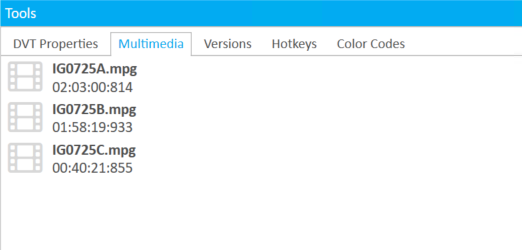
Note that this pane only provides information about the multimedia. As Sync Plus automates the digital video transcript creation process, multimedia cannot be added or modified once the Sync job has completed. If the multimedia is incorrect, or additional files need to be added, a new Sync job must be created. See Create DVTs with Sync Plus for more information.
Related Topics
Version: 2022.2.0
Last Revision: 1/18/2023