OPEN DISCOVERY Release Notes 2023.11.3
The new release of OPEN DISCOVERY focuses on the features you have been asking for. IPRO is committed to an ongoing balance between innovation and meeting customer needs.
Schedule your upgrade with IPRO Support today!
New Features
Review
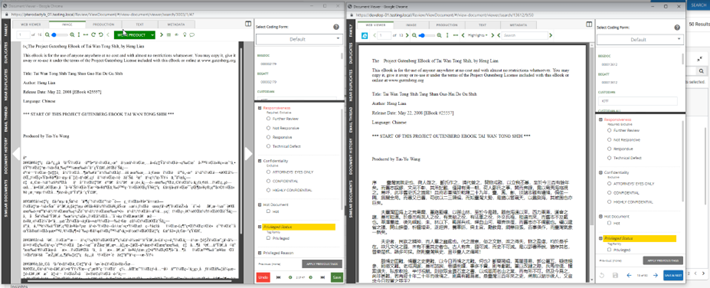
Improved Image on the fly – Improvements to Image on the fly (IOTF) output for enhanced quality, formatting, and file type support.
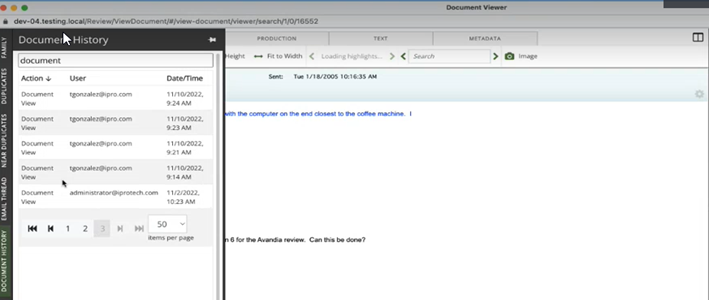
Document History Filtering - Added the ability to filter by action type or user when reviewing audit logs within document history view.
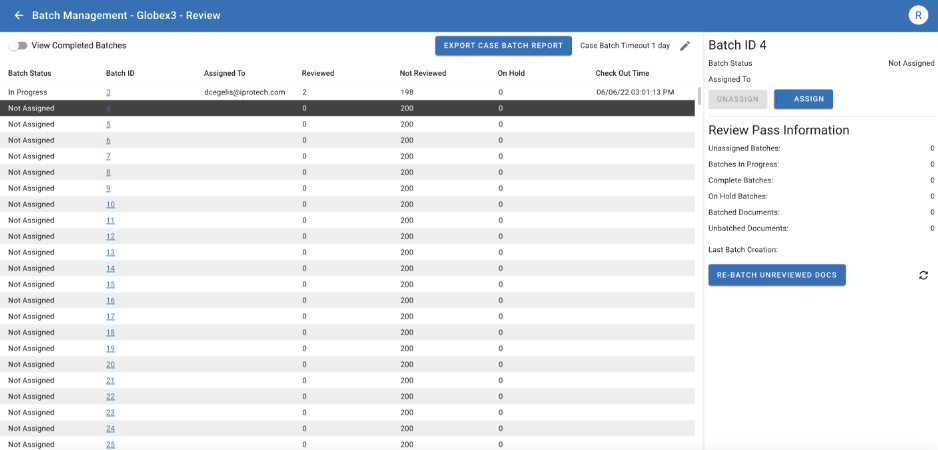
Assign and Un-Assign Batches (Non-Active Learning Review Pass) – For Non-Active Learning Review Passes, we’ve added the ability to assign or un-assign batches to individual users in the batch management screen. Assigned batches will be prioritized as the first batch to be viewed when user enters a review pass.
Sticky "fit" in Viewer - Fit to Width and Fit to Height option are now set to stay in-place as users navigate through either the native web and image viewer.
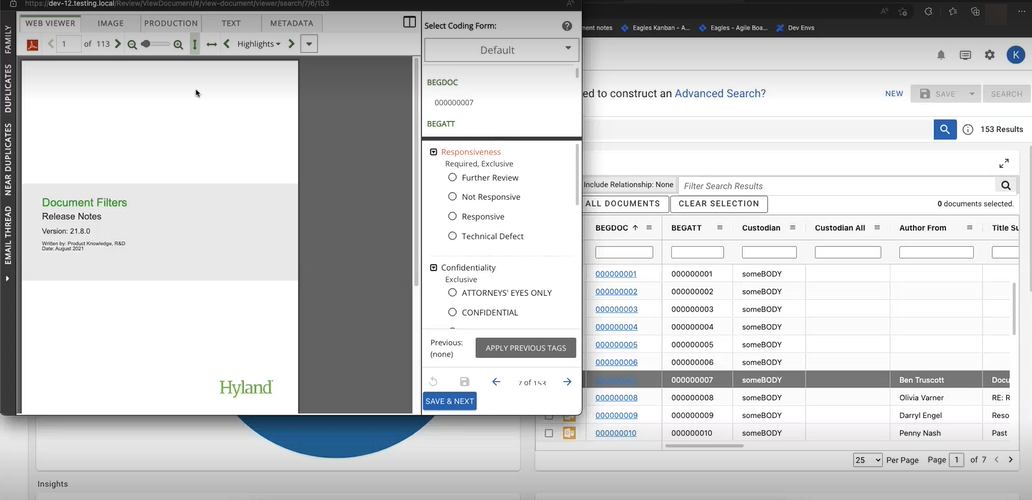
Auto Scale Native Viewer & Image Smoothing – Native and Image Viewer has been updated to dynamically scale viewer based on best fit within viewer window. This improves users experience when trying to read content, apply actions, zoom, and eliminates un-used space.
Change Request
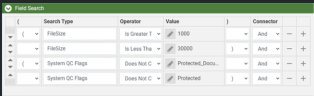
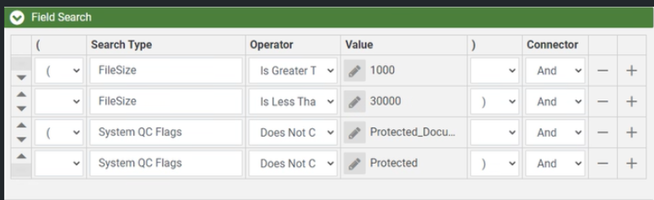
Case Creation Template Update – Optimization Scope Saved Search
-
Removed File Type Filter to allow for all files to be optimized.
-
Removed documents that are flagged as Protected or Password Protected from being optimized.
-
Remove native documents larger than 30 MB from being optimized as they should be reviewed in native format.
Resolved Issues
Review
AR-4691- Improvements have been made for displaying PDF files within the native viewer that contain multiple layers of text.
AR-15270 – Improvements have been made to display EML messages and creation of these images when using image on the fly.
AP-5606 – Improvements to CJK character identification to allow for proper displaying of the correct characters.
AR-17217 – Updated the ability for users to save changes to a document when updated using the relationship document viewer panel.
AR-16344 – Improvements to the document grid scrolling to keep up with the current document in view.
AR-17234– In rare occasions, updated the login screen from looping that would prevent users' entry into the application.
AR-17820– Updated Export Set Validation to contain the correct stored procedure to allow for validation to run as intended.
AR-15403– Updated Advanced Search split view to resize and display appropriately when navigating away.
AR-7535– Updated Product Image Tab to include the ability to print images.
AR-14726– Native to HTML conversion workflow has been updated to reduce file size of converted output.