LOCAL DISCOVERY Release Notes 2023.8.0
IPRO is pleased to announce the 2023.8.0 release of LOCAL DISCOVERY. For instructions about how to upgrade to the latest version, see Workflow: Upgrade LOCAL DISCOVERY.
New Features
Processing
-
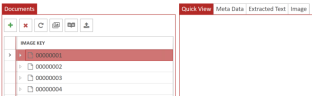
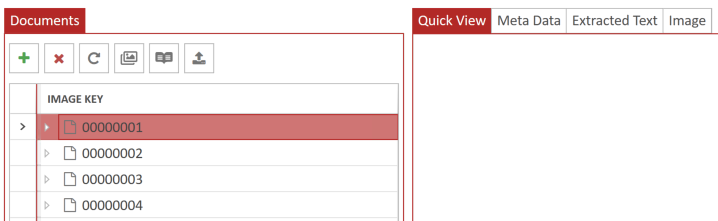
Quality Control (QC) Module - You can now utilize our new quality control module for native ingestion. Users are now able to open a QC session, view native documents, images, extracted text and metadata. Documents can be added, removed, TIFF’ed, OCR’ed, renumbered and exported to a directory or imported into a review case. To activate this new module, add the “Advanced Processing” option when creating a new case or editing existing cases.
Administration
-
FIPS Compliance - FIPS are standards and guidelines for federal computer systems that are developed by the National Institute of Standards and Technology (NIST) and approved by the US Secretary of Commerce. IPROLOCAL DISCOVERY is now FIPS compliant when enabled.
-
Window Server Supported Updates
-
IPRO LOCAL DISCOVERY is now certified for Window Server 2019.
-
Window Server 2012 (x64) will be supported until the end of October 2023.
-
Window Server 2012 R2 (x64) will be supported until the end of October 2023.
-
TRIAL DIRECTOR
-
Connect Case - Users can now export any case to physical media (ex: hard drive or thumb drive) or any location and connect to a case without having to re-import the case.


-
Open Case Location - Users can now open a case location by right-clicking on a case within the case grid. This allows users to quickly navigate to the case data in windows explorer.

-
Importing Case Improvements – Performance enhancements when importing a case with a new indicator to show the application is working on import.
-
User Last Location - Users relaunching the application will be redirected to their last location prior to exiting.
-
Drag from Issue Explorer - Users can now drag eligible workbook items from the Issue Explorer into a standard, carousel, or team member workbook.
-
Drag from Designation Explorer - Users can now drag eligible workbook items from the Designations Explorer into a standard, carousel, or team member workbook.
-
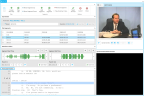
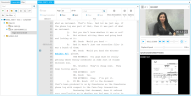
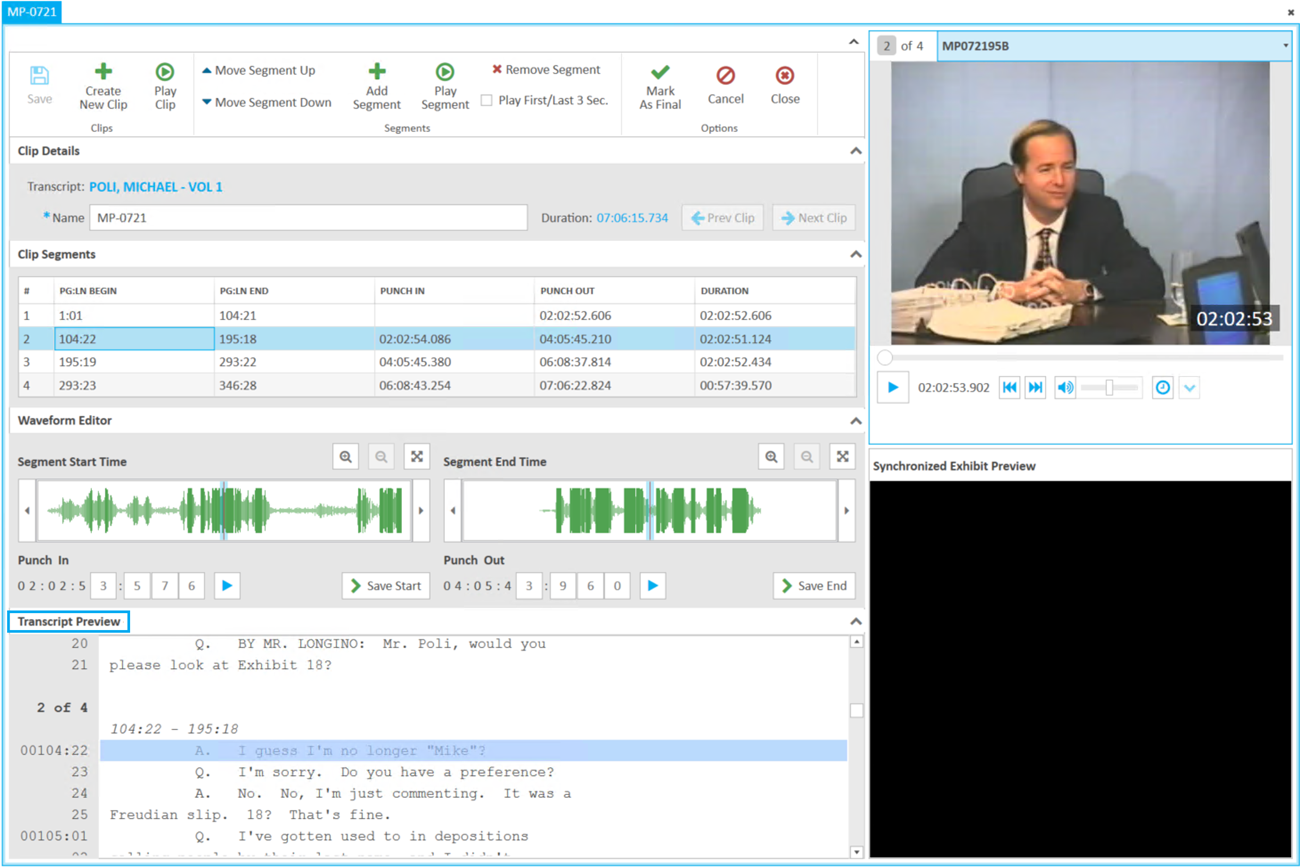
Transcript Preview in Clip Work Area - Transcript preview now displays below the clip work area instead of the bottom right as part of our new default layout.
-
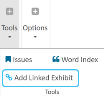
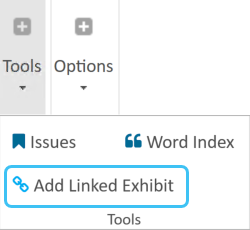
Linked Exhibit Button - A new option to “Add Linked Exhibit” will now be on the transcript work area ribbon.
-
Consolidated Clip & Transcript Work Area - Combined the elements of the transcript and clip editing work area into a single, consolidated workspace to create a better user experience.
-
Export Case Data Location - Added the ability to export the case grid to a file that can be referenced externally at any time without launching the application. The file will be export to a CSV and include the Case Name, Case GUID, Data Path Location, Description, Case Number, Matter number, and Trial Date.
-
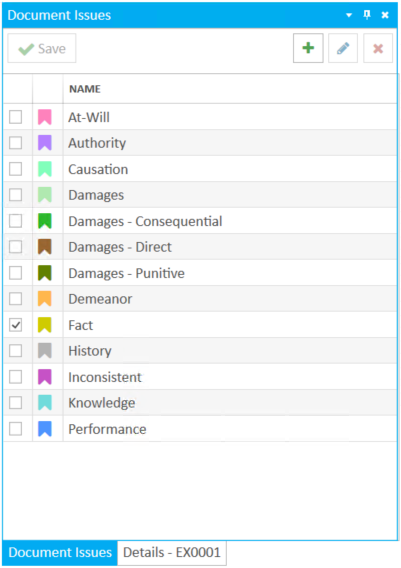
Full Document-level Issue Management - A new tab panel “Document Issue” to view full document level issue available when selecting “Issues” from the document ribbon bar.

-
Updated Message in Remove Item Dialogue - Updated the remove item messages to be more specific to the item being removed, i.e., “The issue will be removed from this page”.
-
Remove Office 2010 Dependency - Users may now import a CMS & MDB transcript file without the dependence on the unsupported Office 2010 legacy library.
-
Evidence Alias Search – Improved search to identify alias in Evidence. The search results will now represent the exact phrase and not include words where the alias is a root set of characters.


Fact Management
-
Cast Listing Report for Fact Management - The report will give users the ability to see a listing of items for a given cast member or all cast members. Users will be able to report on documents, multimedia, clips, transcripts, and facts.

 Resolved Issues
Version: 2025.3.0
Last Revision: 6/9/2025